

Your link in bio, built to sell beats.
One page for your Instagram and TikTok bio: your beats with a real player, your verified placements, and a form artists use to request beats. Free.
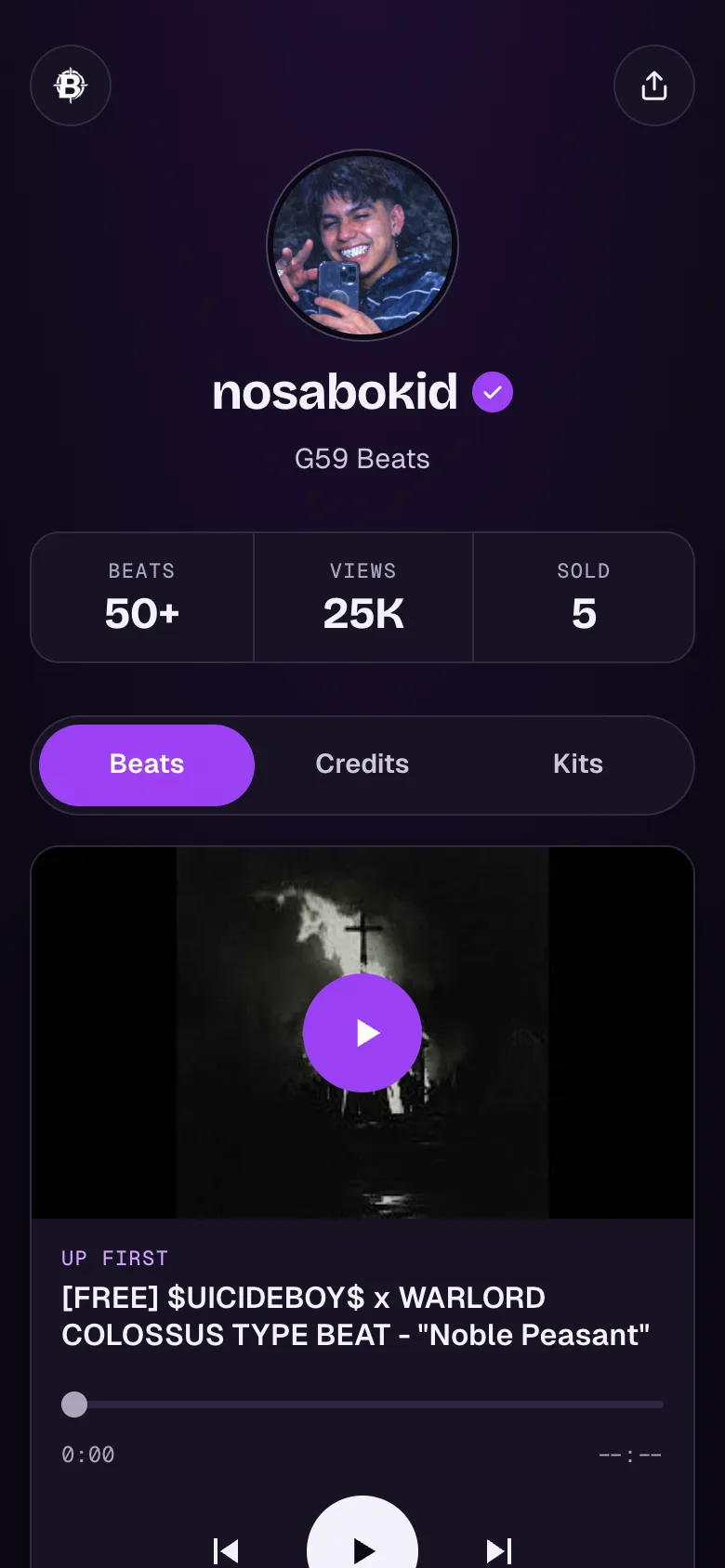
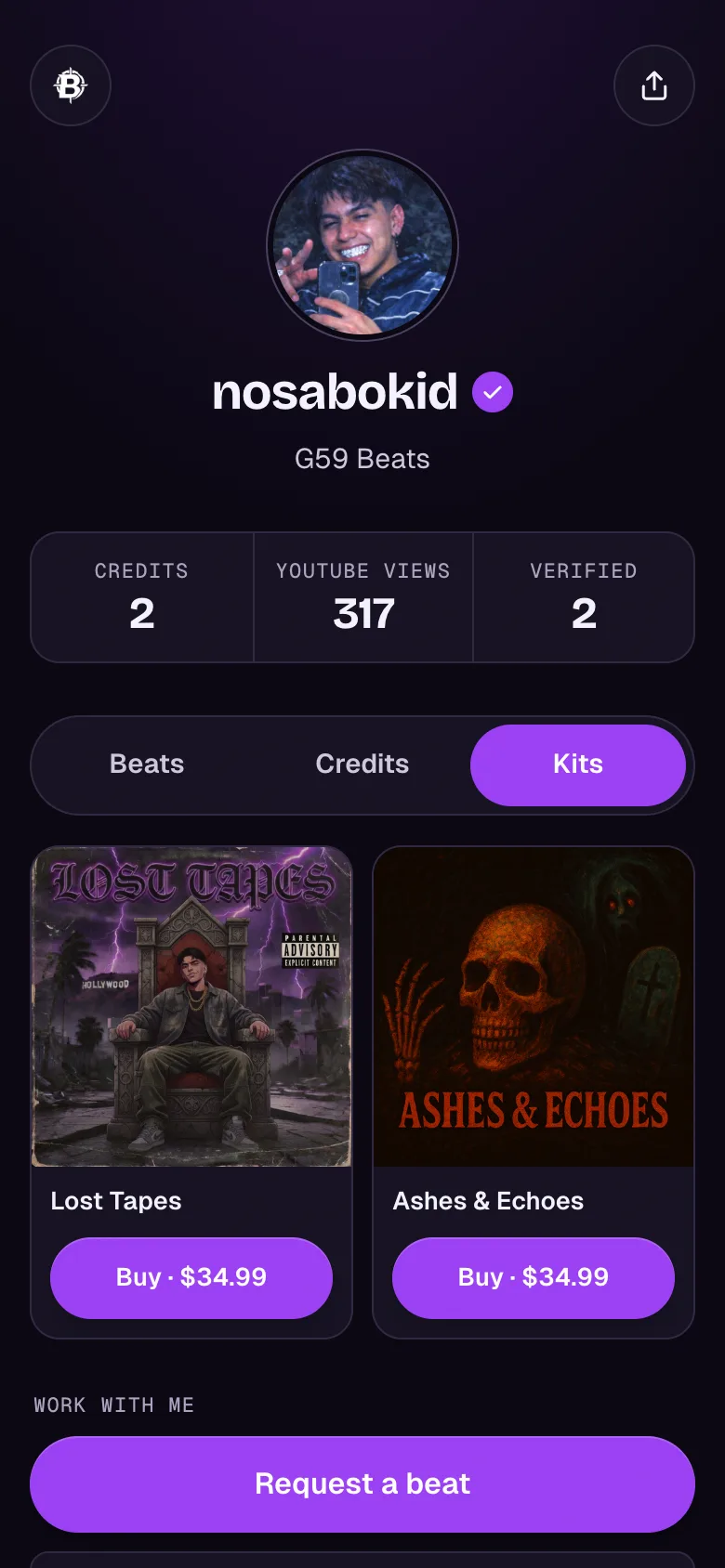
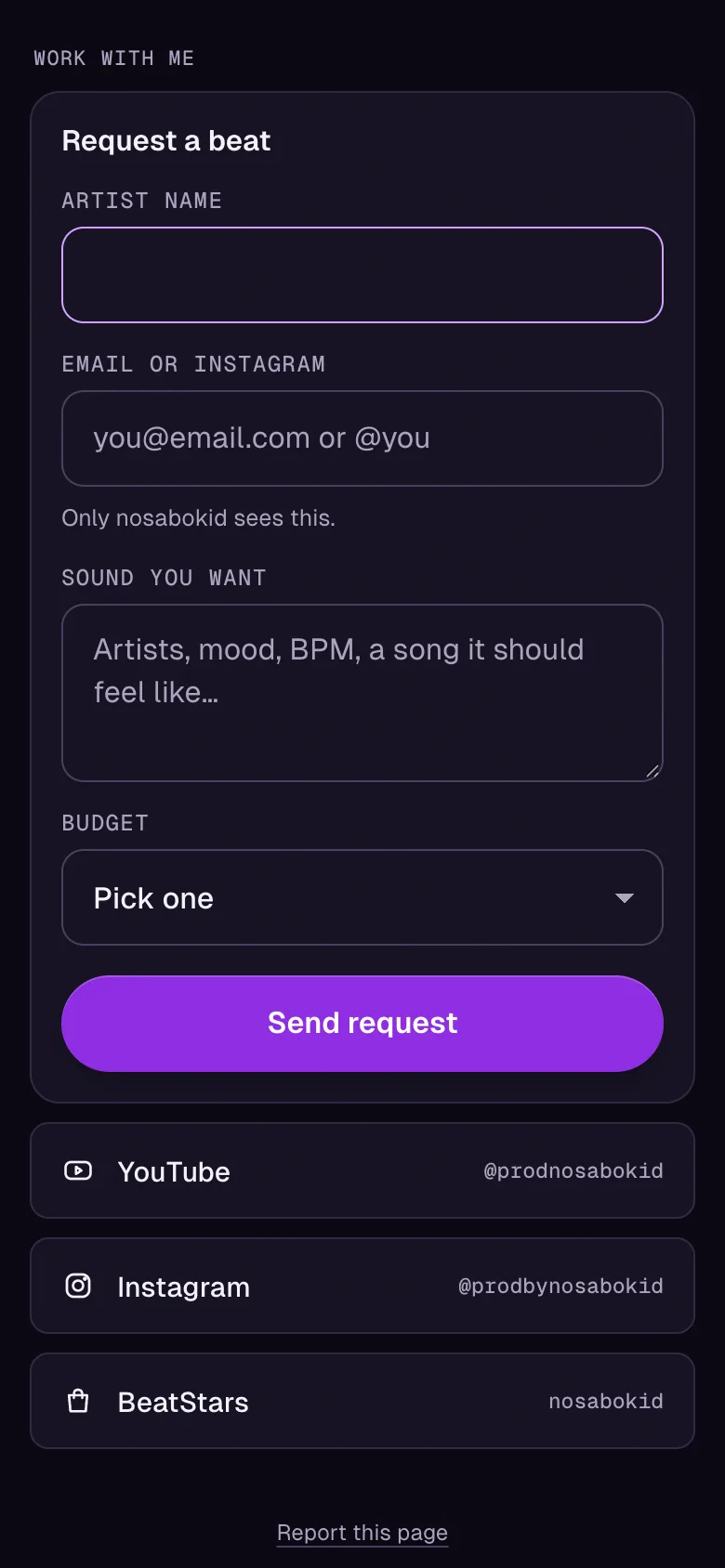
See a real page: nosabokid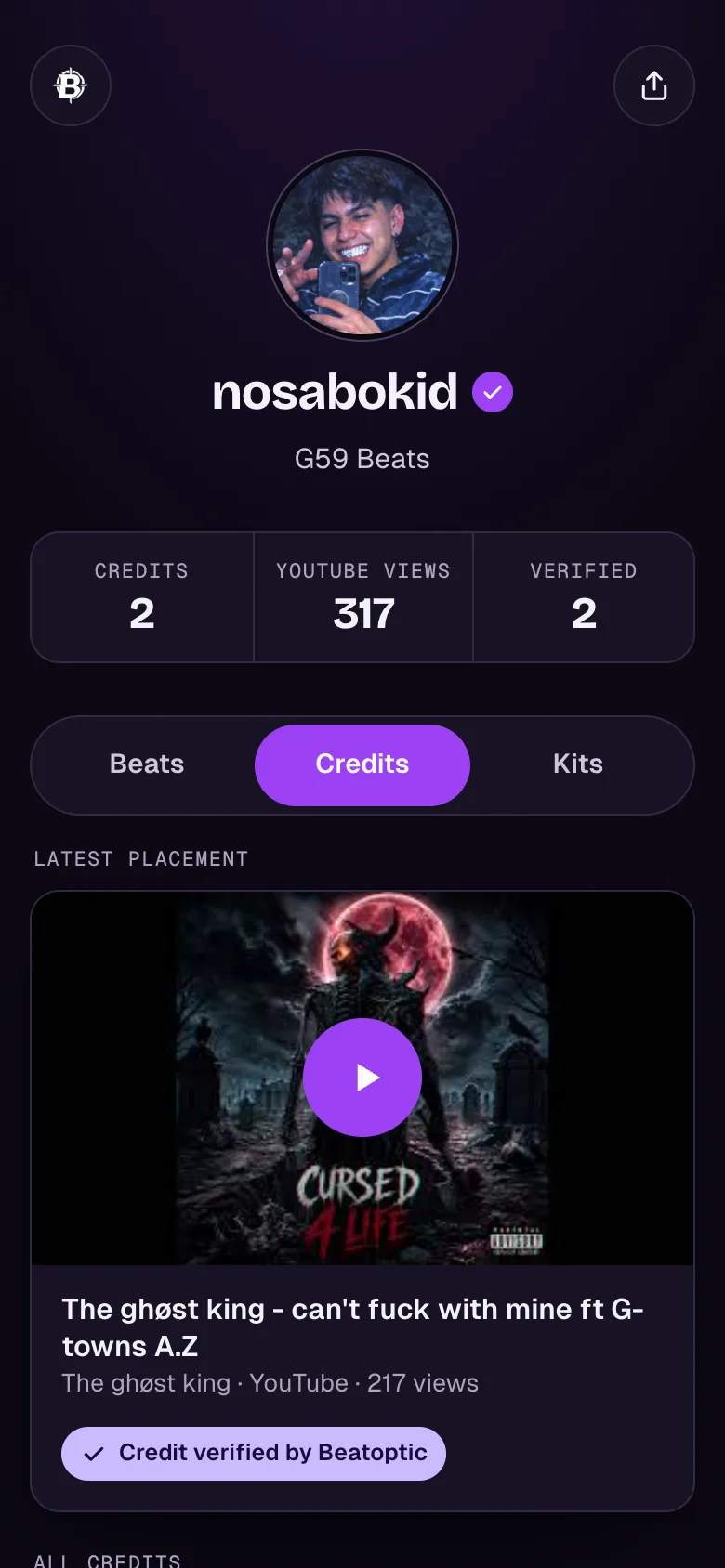
Live in three steps.
- 1Claim your name
beatoptic.com/yourname. Free, takes about two minutes.
- 2Connect your channel and paste your songs
Your newest beats load from YouTube. Paste a song you produced and we check it for your producer tag.
- 3Put it in your bio
Your beats refresh every day, new placements verify themselves, and requests land in your inbox.
Everything an artist needs to hire you.
- A real beat player
Your newest uploads with play, skip and a seek bar, plus Buy on BeatStars, Airbit, Traktrain or your own store.
- Verified placements
Songs you produced, checked for your producer tag in the title or description. Artists know the credit is real.
- Request a beat
Artists send the sound they want and their budget. You get an email and the request lands in your inbox.
- Page analyticsCredits Pro
What people play, which beats get buy clicks, and whether they came from Instagram, TikTok or YouTube.
- Kits tabCredits Pro
Sell drum kits and loop packs. Paste a BeatStars kit link and the name and cover fill in.
- Your own colorCredits Pro
Pick any background on a color wheel. Text switches to stay readable.
Free to start.
Free
No card required.
- Up to 5 placements
- Beats tab with the player
- Request a beat form + inbox
- Your links
- “Made with Beatoptic Credits” footer
Credits Pro
Cancel anytime. Full Beatoptic Pro ($14/month) includes it, plus every artist score and Producer Intel.
- Unlimited placements
- Verified check and Verified tags
- Kits tab
- Page analytics
- Your own background color
- Artist stats next to beat requests
- No Beatoptic footer
Questions
Do I need a YouTube channel?
For the Beats tab, yes: your newest uploads come from your connected channel. Your placements, kits, links and the request form work without one.
How do placements get verified?
Paste the song's YouTube link and we look for your producer tag, like “prod. yourname”, in the title or description. If it isn't there yet, we check again every day, so it turns verified once the artist adds it. The Verified badge shows on Credits Pro.
Where does the buy button go?
To the BeatStars, Airbit or Traktrain link in each video's description, or to your own beat store if you link it after a word like “buy”. No link means a Watch on YouTube button instead.
Is it really free?
Yes. Free covers up to 5 placements, the Beats tab and the request form. Credits Pro is $7/month and full Beatoptic Pro includes it.
Claim your name before someone else does.
beatoptic.com/yourname. Free, and it's yours.